// NAVIGATION
FEATURES ABOUT PRICING
// RESOURCES
BLOG DOCS COMMUNITY
// WORKFLOW AUTOMATION

work smarter. not harder.

Focus on what matters, and move faster.
Ovanta Office Suite
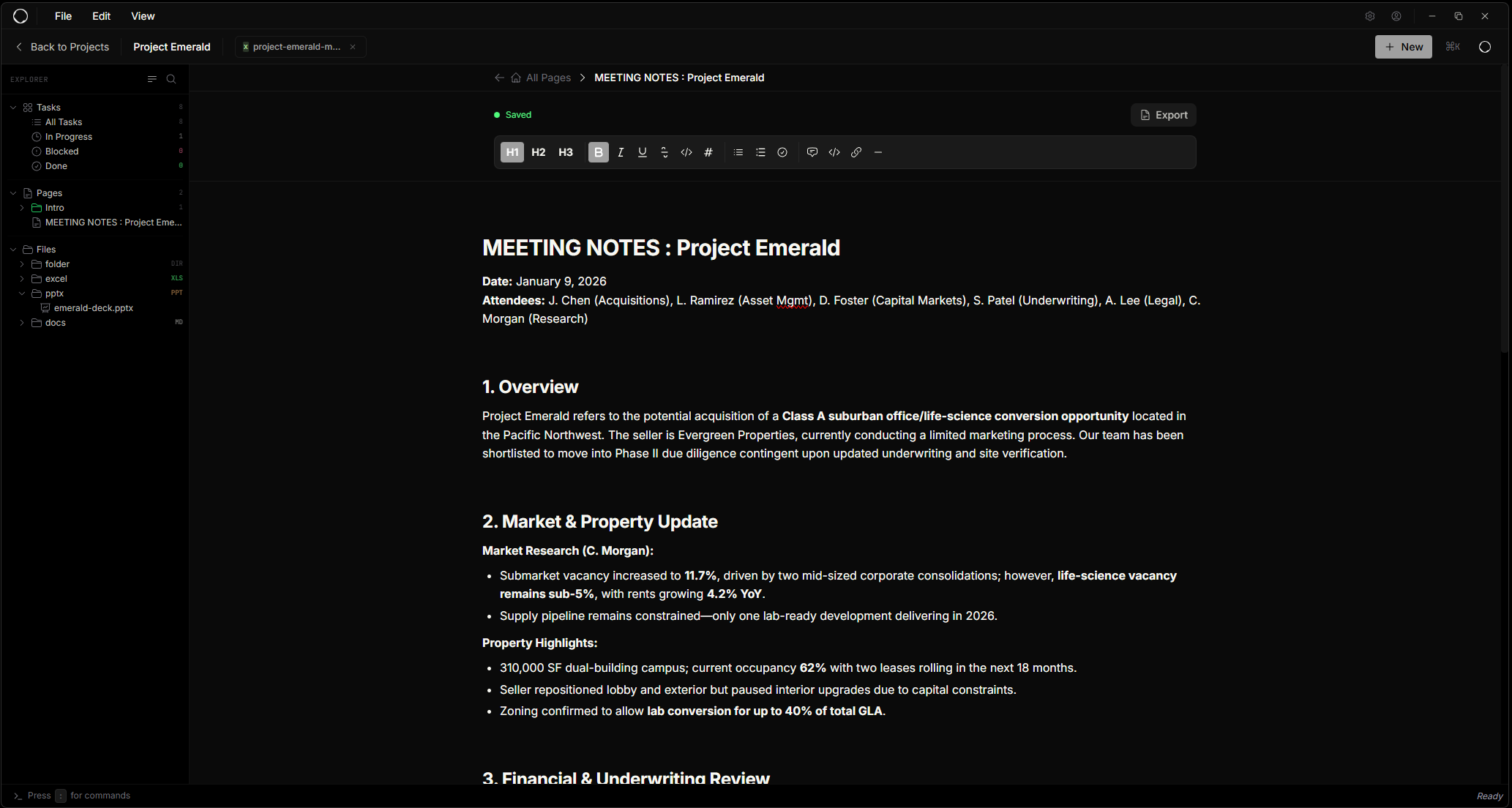
Ovanta Notes
Ovanta Tasks
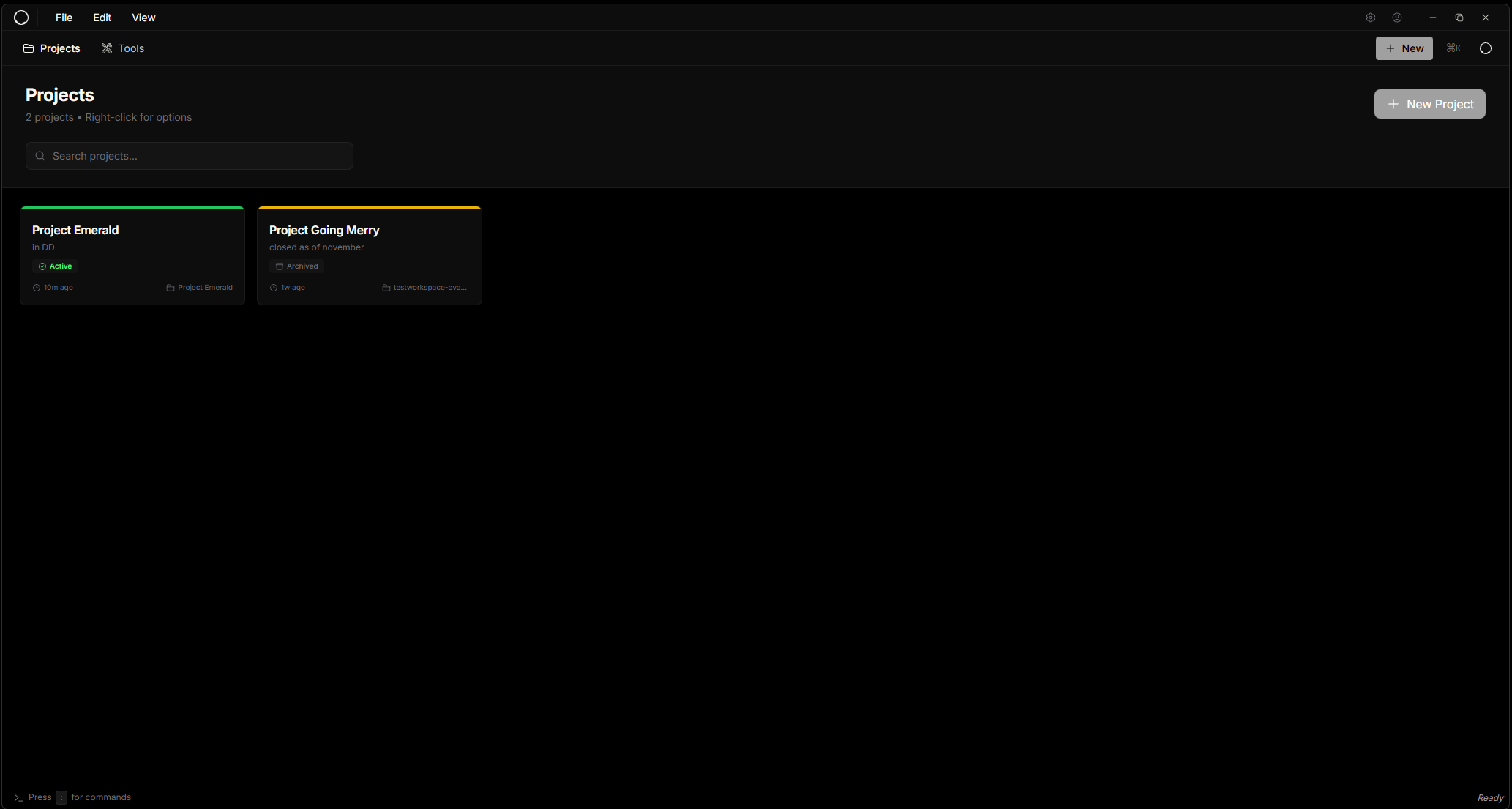
Ovanta Projects

Intelligent automation

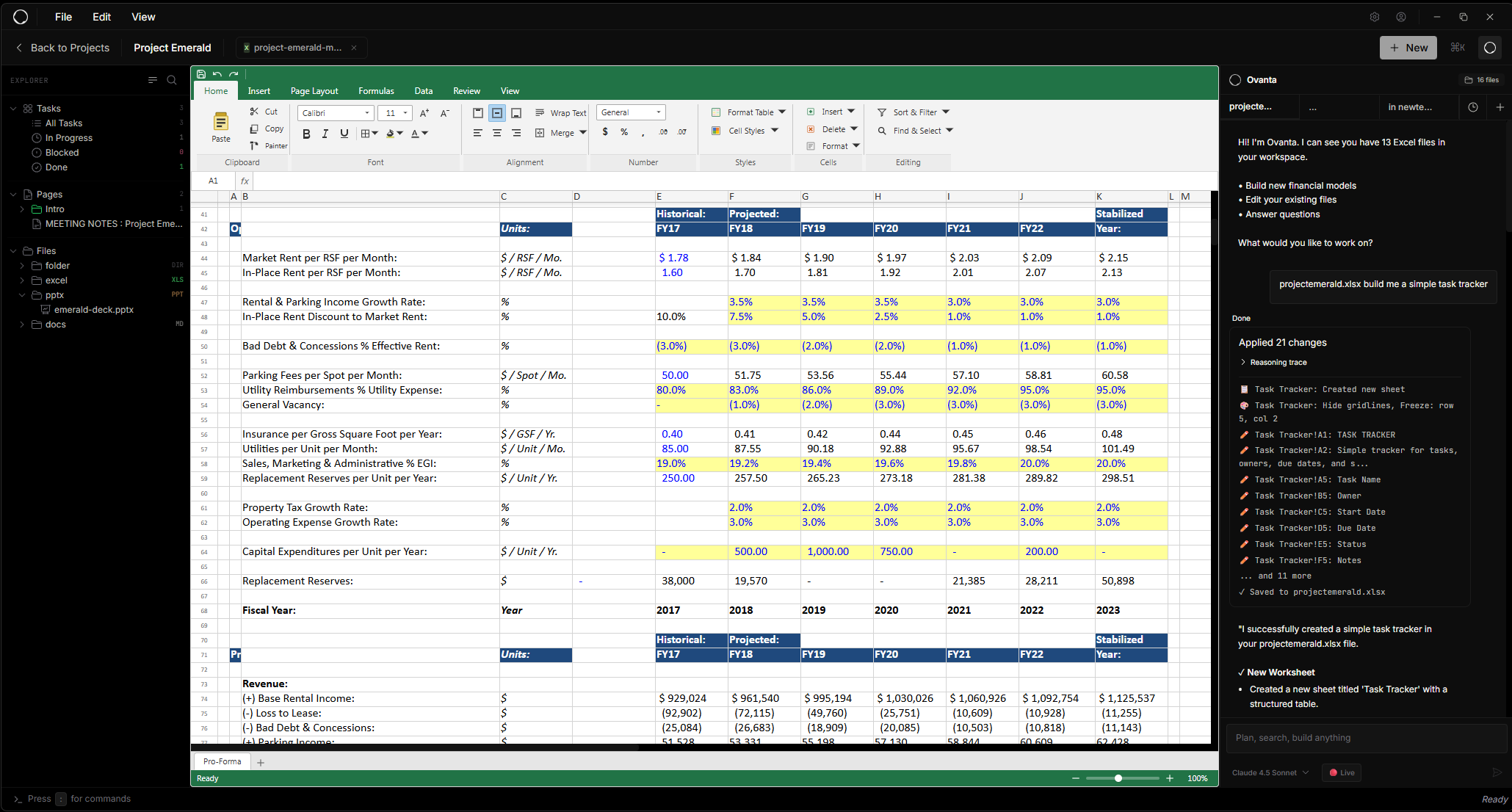
Watch Ovanta analyze your files, understand context, and make precise changes across your entire workspace.

Learn more about Agent →

0 files
New Chat
dcf_model...
...
Claude Opus ∨ Live
Slack
Slack
Outlook
Outlook
SharePoint
SharePoint
Notion
Notion
Ovanta
Ovanta Agent
Teams
Teams
HubSpot
HubSpot
Salesforce
Salesforce
Google Drive
Drive

Deep integrations

Connect your entire stack. Ovanta works seamlessly with the tools you already use, orchestrating workflows across platforms.

View all integrations →

One place for it all

Spreadsheets, docs, presentations, tasks, notes, and projects — all in one unified workspace powered by AI.

Explore the workspace →
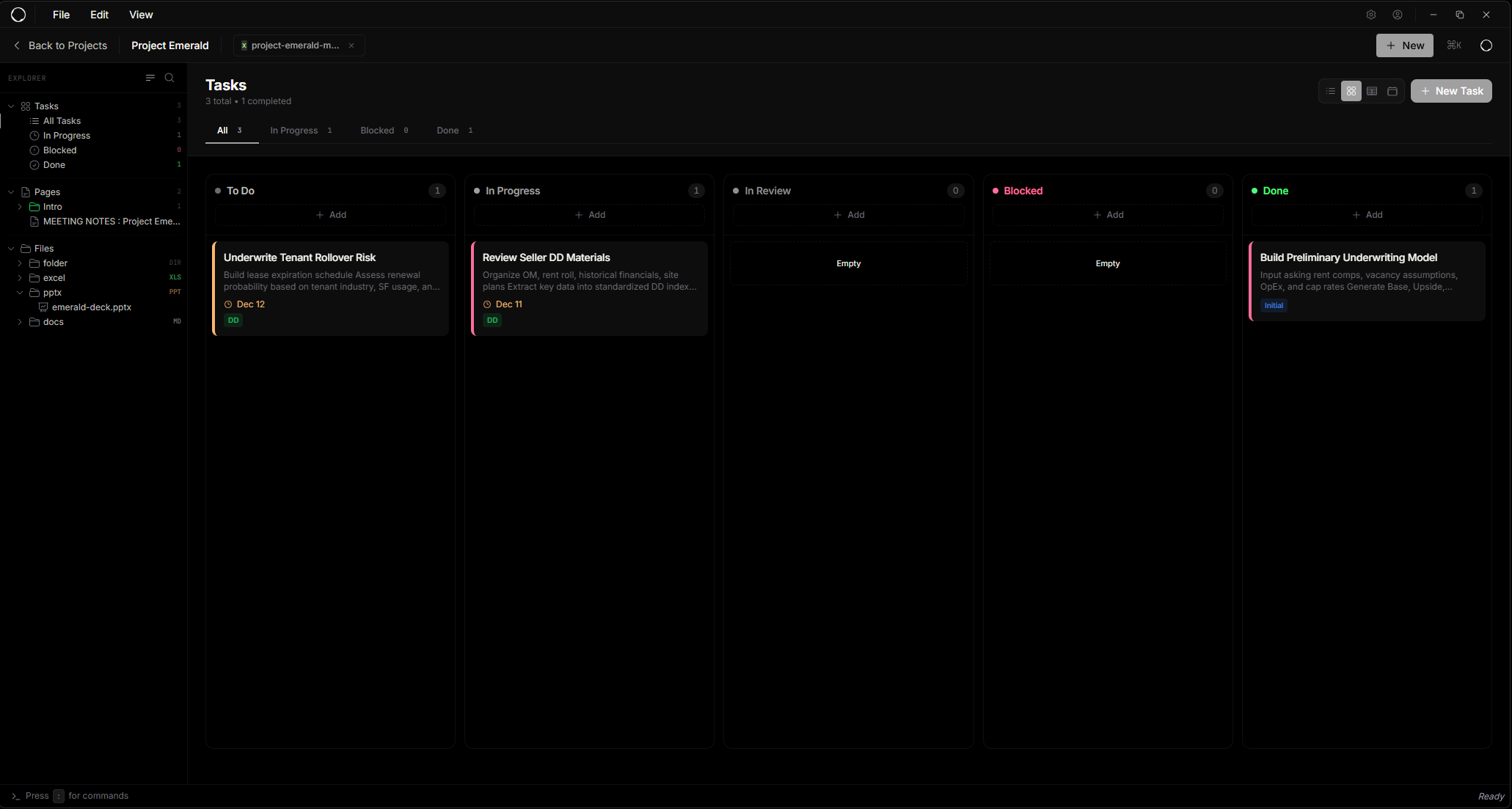
Back to Projects Project Emerald
tasks
My Tasks 4
pages
Meeting Notes
files
Q2_Financial_Model.xlsx
Board_Deck_Q2.pptx
Executive_Summary.docx
Q2_Financial_Model.xlsx
Home Insert Data
A B C D
1 Revenue 2,450,000 2,817,500 3,240,125
2 COGS 980,000 1,127,000 1,296,050
3 Gross Profit 1,470,000 1,690,500 1,944,075
4 OpEx 735,000 845,250 972,038
Board_Deck_Q2.pptx
Home Design Transitions
Q2 Financial Overview
Q1
Q2
Q3
Q4
Q2_Financial_Model.xlsx
Home Data
A B C
1 Revenue 2,450,000 2,817,500
2 COGS 980,000 1,127,000
3 Gross Profit 1,470,000 1,690,500
Board_Deck_Q2.pptx
Home Design
Q2 Overview
voyage_plan.docx
Home Insert Review

Grand Line Voyage Plan

Route through Paradise section with estimated arrival at Sabaody in Q2.

Key milestones:

  • Whiskey Peak - Week 2
  • Alabasta - Week 6
  • Skypiea - Week 10
Ovanta
16 files
New Chat projecte...
›_ Type command...
:o Open file
:o board Open Board_Deck_Q2.pptx
:s Split screen
:p Switch project
:p going merry Open Going Merry
// TRANSFORMATION

See the difference

From scattered spreadsheets to streamlined automation
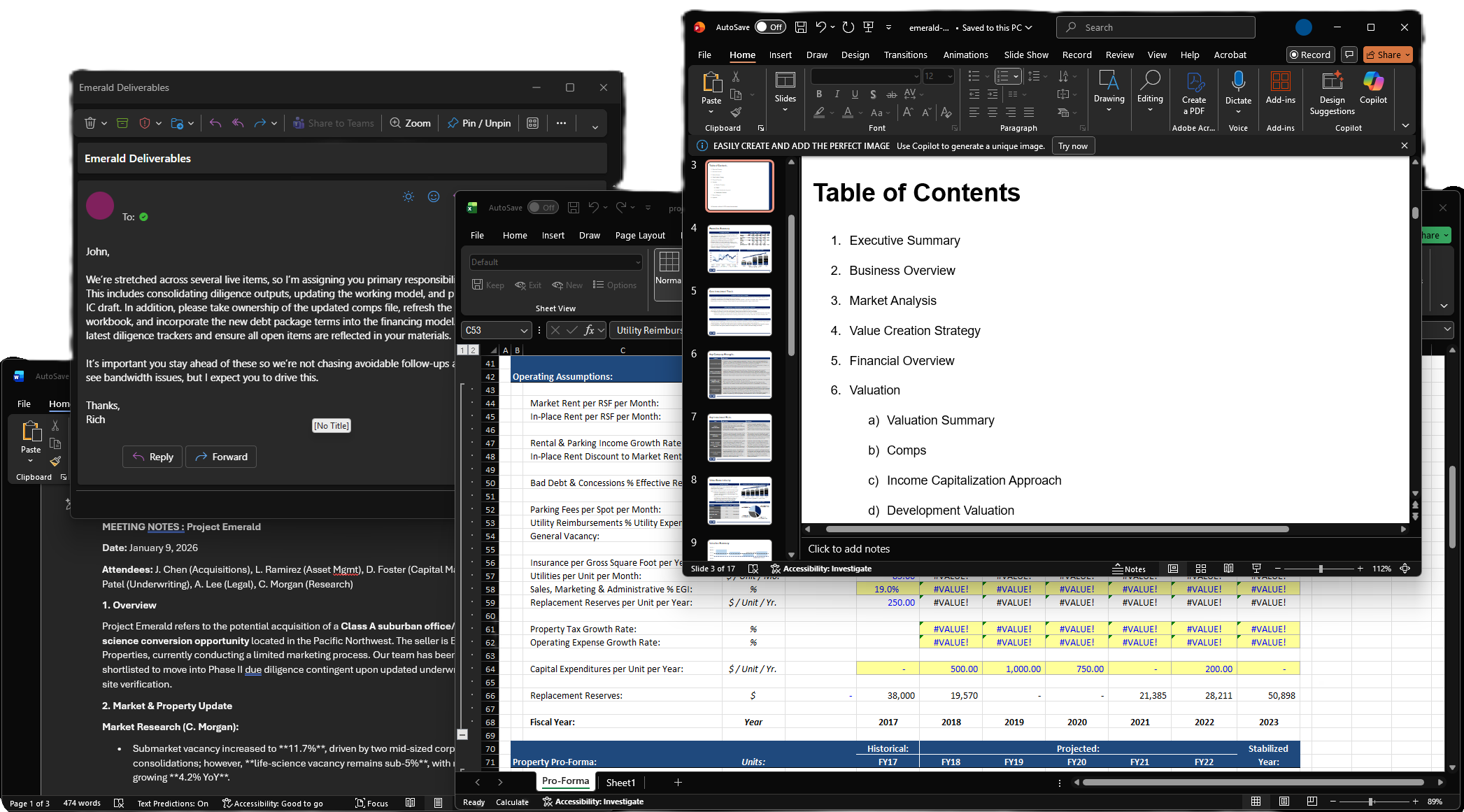
Before - Traditional workflow
Before Manual processes
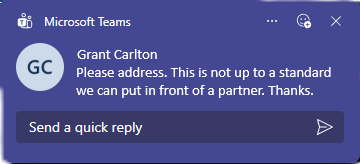
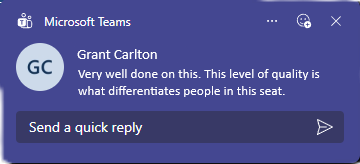
Teams notification
After - Ovanta workflow
After Automated with Ovanta
Teams notification

// FAQ

Frequently Asked Questions

An AI workspace that connects your tools—spreadsheets, docs, tasks, and integrations—so you can automate repetitive work without switching apps.

No. Ovanta works alongside your existing stack. Keep using Excel, Google Drive, Slack, Notion—whatever you already rely on.

You give it a task in plain language. Ovanta's agent reads your files, understands context, and makes the changes—across multiple documents if needed.

Yes. You review every change before it's saved. Nothing runs without your approval, and all actions are logged for full transparency.

Anyone who spends too much time on busywork—finance teams, ops leads, founders, freelancers, or anyone managing spreadsheets and recurring tasks.

Your tools stay the same. The job just gets easier.

// INTEGRATIONS
+ many more

// GET STARTED

Focus on the forest,
not the trees